Back to Blogs
A practical guide explaining why businesses are replacing legacy DVR systems, what upgrading to NVR or cloud involves, and how to modernize without ripping out existing cameras.
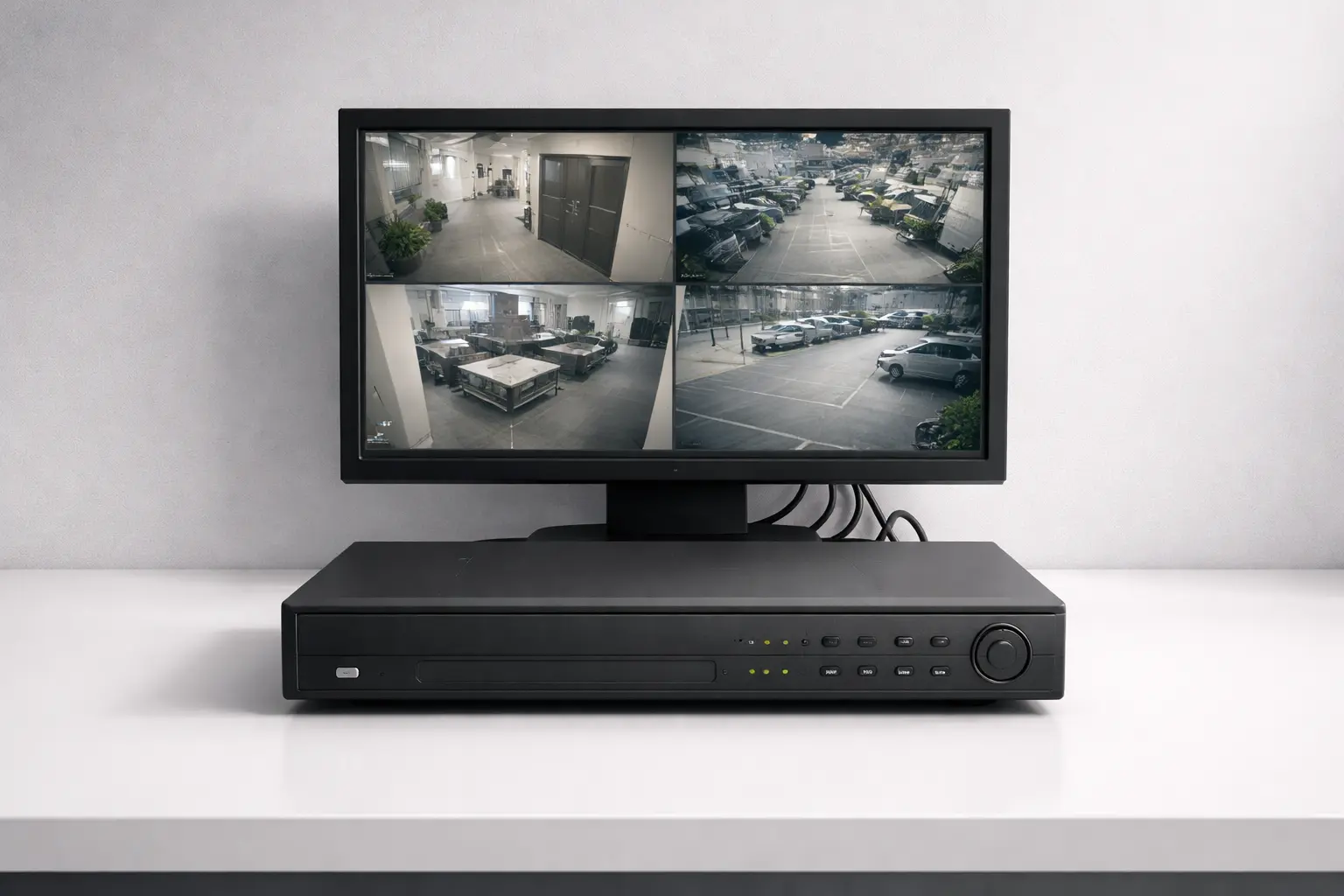
Many businesses still rely on legacy DVR systems. For a long time, that was fine. The footage recorded, the drives spun, and nobody thought much about it.
Then an incident happened.
Suddenly, there was frantic scrubbing through grainy footage. A VPN that wouldn't connect. A hard drive that had quietly failed weeks ago, taking months of footage with it.
DVR systems "work" — until the moment you need them to. Modern threats and multi-site operations expose every gap in legacy architecture. This guide explains why businesses are upgrading in 2026, what the switch involves, and whether you need to replace everything you already have.
Legacy DVR systems were built on a simple idea: record analog footage to a local hard drive. For small, single-location setups, that was enough. In 2026, it's a liability.
The hard drive is a single point of failure. There's no redundancy, no cloud backup, and no recovery path. When the drive fails, the footage is gone. Most businesses don't find out until they need footage from a specific incident — and by then, it's too late.
Remote access is painful. DVR systems require port forwarding, static IP addresses, and VPN configurations. These are hard to maintain and easy to misconfigure. Security teams trying to access footage from another city often find themselves locked out completely.
Coax cable limits image quality. DVR systems run on analog coaxial cabling. This caps resolution and limits where cameras can go. No software update can fix that.
Multi-site management is a mess. Each location has its own DVR, its own hard drives, and its own login. There's no central view. Investigating an incident across sites means physically traveling or juggling multiple portals.
There's no built-in intelligence. No AI search. No object detection. No alerting. Every review is manual. Every investigation is slow.
Here's a scenario that plays out every day. A manager gets a call at 2 PM. Something happened in the parking lot the night before. They go to the DVR, guess at a timestamp, scrub through footage at 4x speed, jump between camera feeds, lose their place, and start over.
What should take five minutes takes two hours.
DVR systems have no searchable index. You can only search by camera and timestamp. Operators have to know exactly when and where to look — which is rarely the case during a real investigation.
Multi-camera incidents are even harder. If something moves from an entrance to a hallway to a parking lot, an investigator has to track that path manually across separate feeds. Each camera handoff is another chance to lose the thread.
This isn't just inefficiency. It's risk. Incidents that need fast responses get delayed. Footage windows expire. The system that should protect the business becomes an obstacle at the worst possible moment.
Switching from DVR to NVR is more than a hardware swap. It's a shift in how video is captured, stored, accessed, and used.
The biggest change is the cameras. DVR systems use analog cameras over coax. NVR systems use IP cameras over standard network cabling. IP cameras offer higher resolution, better low-light performance, and more flexible placement. They're also powered over ethernet (PoE), so you don't need separate power runs.
Storage moves from a single local hard drive to network-attached storage with redundancy built in. That alone removes one of the biggest failure points in DVR architecture.
Access becomes centralized. Security teams can view live feeds, review footage, and manage cameras across every location from one dashboard — no VPN required.
Footage review becomes searchable. Instead of scrubbing through timelines manually, operators can search by object type, time range, or event. Investigations that used to take hours now take minutes.
For a full DVR vs NVR comparison, see our dedicated breakdown.
This is the question that stops most businesses from upgrading. The assumption is that leaving DVR means ripping out every camera and starting over.
In most cases, that's not true.
There are a few ways to keep your existing cameras during a migration:
This means you can prioritize. High-risk zones get new IP cameras first. Lower-priority areas keep running on existing hardware until you're ready.
LiveReach AI is built for exactly this approach — hybrid cloud architecture that works with your existing infrastructure and scales over time.
Not sure if an upgrade is right for you? These are the clearest signals.
1. Hard drive failures or missing footage.If you've ever found footage gone — or learned a drive had been failing silently — your system has already failed at its most basic job. DVR hard drives are not built for continuous long-term use, and there's no backup when they fail.
2. Poor image quality during investigations.If your footage is too grainy to make out faces or license plates, you've hit the resolution ceiling of analog infrastructure. That can't be fixed without changing the architecture.
3. No remote access without workarounds.If accessing footage remotely requires a complicated VPN process — or isn't possible at all — the system is a liability for any business that needs fast incident response.
4. Multi-location management headaches.If managing multiple sites means logging into separate systems and manually piecing together footage, the architecture is working against you.
5. Hours spent on simple investigations.If a five-minute task routinely takes two hours, the system is costing you more than the hardware is worth.
A DVR replacement doesn't have to be disruptive. With the right plan, it can be a smooth, phased modernization.
Step 1: Evaluate your current cameras.Document which cameras still work, what resolution they support, and where they're located. This tells you what to keep and what to replace first.
Step 2: Identify high-risk zones.Not every camera carries equal importance. Entrances, server rooms, parking areas, and cash-handling zones need the highest priority. These should get IP camera upgrades first.
Step 3: Define your retention requirements.Regulatory rules, insurance requirements, and internal policy may dictate how long footage needs to be stored. Know your requirements before choosing hardware or storage plans.
Step 4: Plan a phased rollout.Upgrade high-priority zones first. Validate that the new system works as expected. Then expand. A phased rollout limits risk and spreads costs over time.
Step 5: Test search and usability.The goal of upgrading is faster investigations. Before decommissioning your old hardware, confirm the new system actually delivers that.
Most conversations about security upgrades focus on hardware specs. But for businesses that have made the switch, the bigger change is what their cameras actually do.
A modern, cloud-connected video platform doesn't just record. It indexes footage. It's searchable. It generates alerts when specific conditions are met. It gives operations managers real-time visibility across every location from one interface.
Investigations that used to take hours now take minutes. AI-assisted search can find a specific person, vehicle, or event across days of footage in seconds. Alerts notify the right people automatically when something needs attention.
The result is a shift from passive archive to active operational tool. Footage that used to sit on hard drives — rarely accessed, rarely useful — becomes a live data source that informs decisions and accelerates responses.
DVR systems aren't bad technology. They're outdated architecture. They were built for a different era of cameras, operations, and security needs. In that context, they did their job.
But in 2026, the gap between what DVR can do and what modern businesses need is too wide to patch over. The limitations don't show up on quiet days. They show up at exactly the moments when your security system needs to perform.
The upgrade isn't about new hardware for its own sake. It's about building a system that answers questions quickly, scales across locations, and stores footage reliably. One that turns cameras into something more useful than a passive record of what already happened.
For most businesses that make the switch, the only regret is not doing it sooner.
If you're evaluating how to replace your DVR system without a full rip-and-replace, LiveReach AI can help. We help businesses modernize with hybrid cloud architecture, searchable video, and centralized multi-location management — without replacing everything at once.
Schedule a demo of our platform to see how LiveReach can improve security at your organization.
Request Demo