Back to Blogs
A complete 2026 guide to choosing the right security cameras for your business — including key features, real costs, system types, and how modern AI analytics improve safety, visibility, and operations.
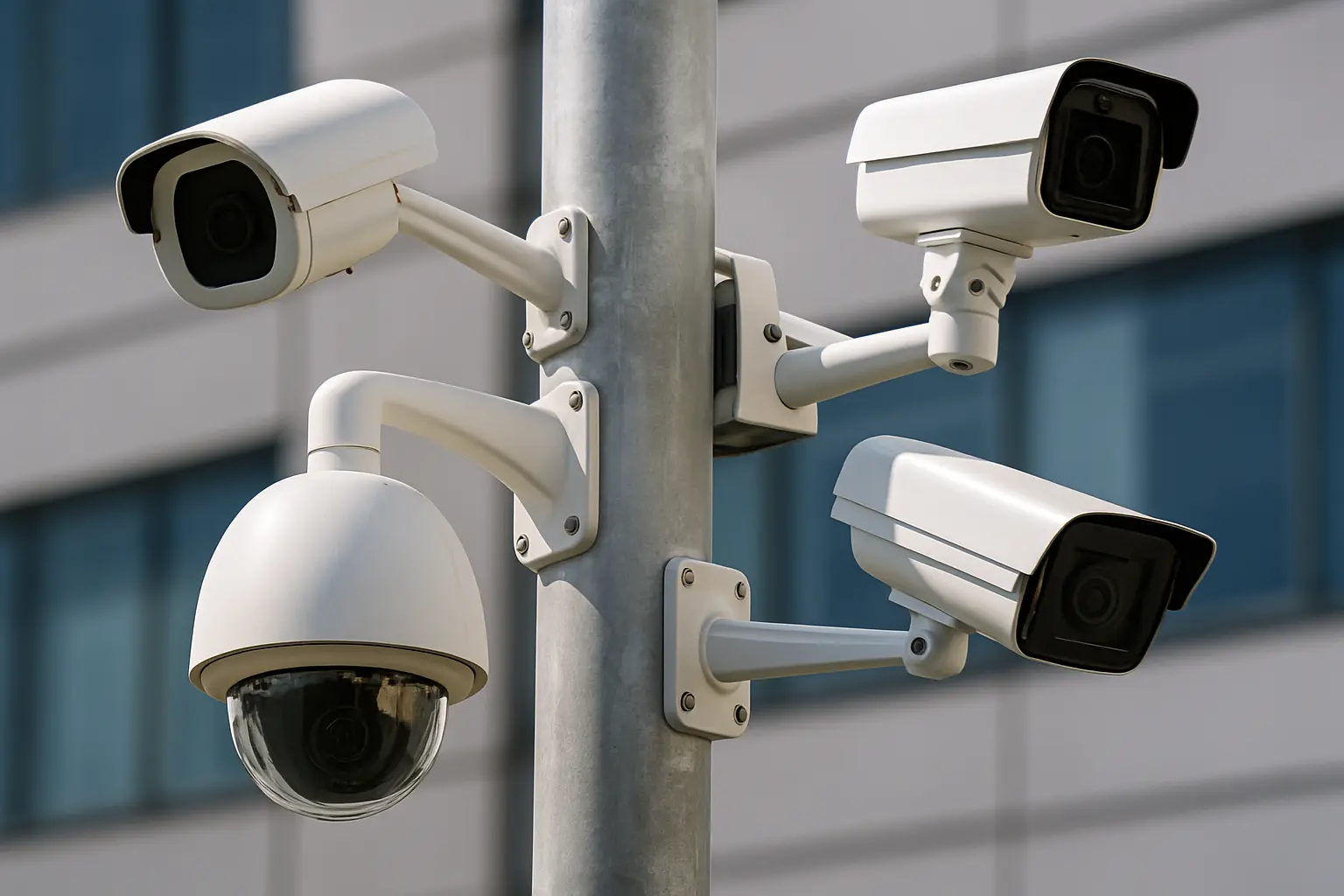
Modern businesses rely on security cameras more than ever. From preventing theft to resolving customer disputes, supporting employee safety, and improving daily operations, cameras have become a core part of how organizations function. And with today's shift toward cloud access and AI-powered analytics, businesses can now get far more value from their systems than simple recording.
Whether you're upgrading an older setup or choosing a system for the first time, this guide breaks down what matters in 2026—features, system types, costs, and how different industries use modern video security.
Across industries, companies face rising expectations around visibility, safety, and accountability. Older DVR systems were built for basic recording, not the real-time remote access or analytics businesses rely on now.
Recent industry data shows that 73% of small businesses experienced theft or security incidents in the past year, with average losses exceeding $1,400 per incident. Meanwhile, businesses with modern camera systems report 67% faster incident resolution times and 40% reduction in liability claim payouts.
Teams today expect cameras to help them:
As claims, safety concerns, and operational complexity increase, businesses are turning to systems that offer clearer video, faster access, and tools that minimize manual work.
Security cameras vary widely in capability. For business use, several features make the biggest difference.
Clarity is essential when resolving incidents or identifying important details. Many businesses now standardize on 5MP or 4K cameras because they offer better visibility in fast-moving or low-light conditions. While 1080p cameras remain functional, higher resolution provides the detail needed to read license plates from 30+ feet away or identify facial features in crowded spaces.
What to look for:
Cloud platforms allow teams to log in from any device and retrieve footage instantly. This eliminates the limitations of on-site recorders and makes it easier to manage multiple locations from one dashboard.
Traditional NVR systems require VPN access and IT configuration, while cloud systems work immediately through any web browser or mobile app. For businesses with multiple locations or remote management needs, this difference becomes critical during urgent situations.
AI tools are increasingly valuable because they reduce the time required to find footage or identify events. What used to take 2–3 hours of manual review now takes seconds with the right search tools.
Common analytics that businesses actually use:
These tools help teams move quickly, especially when reviewing claims or responding to incidents.
Many industries require 30–180+ days of footage for compliance or insurance. Cloud storage makes retention easier to scale and reduces the risk of losing critical video to hardware failures.
Storage considerations:
For organizations with several locations, unified visibility ensures consistent oversight. Cloud platforms allow managers and owners to view all cameras across all sites from a single login, with role-based permissions to control who sees what.
The best system for your business depends on your environment, existing wiring, and operational needs.
Cloud-based systems offer remote access, automatic updates, and centralized management across multiple locations. Modern cloud platforms typically include some form of local storage with cloud connectivity for backup and advanced features.
Best for: Multi-location businesses, remote management, teams wanting modern AI capabilities
Advantages:
Considerations:
Hybrid cloud systems represent the evolution of cloud-based surveillance, combining on-device storage with cloud connectivity. This architecture provides local recording reliability while enabling advanced cloud-based AI processing and remote access.
Best for: Businesses seeking optimal bandwidth efficiency, advanced AI capabilities, and cost-effective scalability
Advantages:
Considerations:
Leading hybrid cloud platforms: Both Verkada and LiveReach AI use hybrid cloud architecture, though LiveReach optimizes for bandwidth efficiency and offers enterprise GPU-powered AI at significantly lower cost ($400–$1,200 vs. $1,000–$4,000 per camera).
Network video recorders (NVRs) store all video locally on-site. They can be practical for single-site operations or businesses with older coax wiring, but require more maintenance and don't provide the same level of remote access or AI functionality.
Best for: Single locations, businesses with existing infrastructure, organizations with dedicated IT teams
Advantages:
Considerations:
Costs vary by system size and complexity, but most organizations fall within predictable ranges.
Cameras: $150–$500 each
Installation: $200–$500 per camera
Recording hardware (for NVR systems)
Cloud software: $15–$30 per camera per month
AI add-ons: $10–$20 per camera per month (if not included)
Maintenance
Small retail store (8 cameras)
Multi-location business (25 cameras across 3 sites)
Although modern systems are an investment, businesses often recover costs through reduced claim payouts, improved safety, and faster investigations. One property management company reported saving $47,000 in the first year by quickly resolving false slip-and-fall claims with clear video evidence.
When evaluating commercial security camera systems, two platforms represent different approaches to cloud-based surveillance. Here’s how they compare:
Note: Total cost includes hardware and software licensing.
Verkada pioneered the modern cloud-based camera category and remains a premium choice for large enterprises. Their hybrid cloud system includes on-device storage with cloud connectivity for remote access and management. The platform is known for its polish, reliability, and strong access control integration.
However, Verkada's pricing positions them at the higher end of the market at $1,000–$4,000 per camera (including hardware and licensing), with multi-year contracts often required for best pricing. For organizations with substantial budgets prioritizing brand recognition and maximum warranty coverage, Verkada delivers a premium experience.
Strengths: Build quality, user interface, reliability, 10-year warranty, strong brand recognition, robust access control integration
Considerations: Higher cost than alternatives, longer contracts, fewer advanced AI analytics, pricing may exceed ROI for cost-conscious businesses
LiveReach AI also uses a hybrid cloud architecture, combining on-device storage with cloud backup and AI processing. What differentiates LiveReach is its optimization for bandwidth efficiency and its enterprise GPU-powered AI capabilities that continuously improve over time.
The platform excels in AI features like license plate recognition, face search, PPE detection, and AI AutoClip that automatically creates incident clips. At $400–$1,200 per camera (hardware and software included), LiveReach provides enterprise-grade features at 60–70% lower cost than Verkada.
LiveReach's hybrid cloud system stores footage on-device while leveraging edge-based AI processing via enterprise GPU servers. The cloud layer also provides case management and incident management solutions, plus backup storage for redundancy. The platform includes POS integration and multi-site visibility within a single dashboard.
LiveReach views camera hardware as a commodity and focuses on software flexibility and upgrading capabilities over time. This philosophy allows the company to deliver cutting-edge AI while keeping costs substantially lower than traditional vendors.
Strengths: Hybrid cloud architecture optimized for bandwidth, advanced AI analytics with continuous improvements, significantly lower cost than Verkada, enterprise GPU-powered processing, flexible contracts, multi-site visibility, on-device storage with cloud backup, faster AI innovation cycle, hardware-agnostic approach
For businesses handling claims, managing teams, or operating multiple locations, LiveReach's optimized hybrid cloud approach and advanced AI tools create a noticeable impact on efficiency and accuracy while maintaining substantially lower total costs. The price difference often allows businesses to deploy two to three times more cameras for the same budget, providing more comprehensive coverage.
Every industry applies video technology differently depending on its workflows and risk areas.
Car washes face unique challenges with damage claims and customer disputes. High-resolution 5MP or 4K cameras with license plate recognition help operators resolve damage claims quickly and fairly by tracking vehicles from entry to exit.
Key features: License plate recognition, 5MP or 4K resolution, weather-resistant cameras, AI AutoClip for incident documentation
ROI: One 3-location car wash reduced claim payouts by 62% after implementing automated license plate tracking.
Retailers use cameras for loss prevention, transaction verification, and liability protection. Modern analytics can also provide insights into customer flow and staffing needs.
Key features: POS integration, people counting, zone analytics, facial search for repeat offenders
ROI: Retail businesses report 30–45% reduction in shrinkage and faster resolution of employee/customer disputes.
Schools need real-time visibility across multiple buildings with the ability to quickly locate students or visitors during emergencies. Cloud systems allow authorized staff to access footage quickly, while search tools help locate people or events during investigations.
Key features: Multi-site management, mobile access, visitor detection, zone alerts, extended retention (90+ days)
ROI: Faster emergency response, reduced liability, improved parent confidence, and streamlined incident investigations.
Cameras help track equipment movement, detect PPE compliance, and flag after-hours activity. AI tools support safety programs and reduce the need for manual monitoring.
Key features: PPE detection, zone monitoring, vehicle tracking, time-lapse for process review
ROI: 35% improvement in safety compliance and reduced workers' compensation claims.
Camera systems provide visibility in parking lots, donation areas, and entrances—important for both staff safety and asset protection, particularly during after-hours drop-offs.
Key features: Motion detection, night vision, mobile alerts, affordable cloud storage
ROI: Reduced theft, improved volunteer safety, documentation for insurance claims.
Video systems are becoming more proactive than reactive. The future of commercial surveillance includes:
Businesses adopting these tools now will gain long-term advantages in efficiency, safety, and visibility.
Most small businesses need 4–8 cameras minimum to cover main entrances, exits, cash registers, and parking areas. Plan for one camera per entry/exit, one for each high-value area, and additional cameras for blind spots.
While technically possible, professional installation is strongly recommended for commercial systems. Improper installation can create liability issues, void warranties, and result in gaps in coverage.
Many insurers offer 5–20% discounts for businesses with modern security camera systems, depending on industry, coverage type, and system capabilities.
Retention requirements vary by industry and jurisdiction. Common guidelines: retail (30–60 days), schools (90+ days), healthcare (180+ days), and financial institutions (90+ days). Always consult legal counsel for specific requirements.
Wireless cameras can work for limited use cases, but most commercial installations rely on wired cameras for reliability and uptime.
Commercial cameras provide higher durability, better low-light performance, longer warranties, advanced analytics, and integration with business systems. They’re designed for 24/7 operation and commercial code requirements.
Selecting business security cameras comes down to matching features to your specific needs:
Choose cloud-based hybrid systems if you:
Consider on-premises (NVR) systems if you:
When comparing cloud platforms:
Modern security camera systems provide far more than basic surveillance. They offer clarity, speed, and the operational insight businesses need to run effectively. Whether you choose an established enterprise solution like Verkada or an AI-focused platform like LiveReach AI, the right system will pay for itself through reduced losses, faster investigations, and improved operations.
As cloud platforms and AI continue to evolve, upgrading to a modern system has become one of the most valuable improvements a business can make. The businesses seeing the best results are those that view cameras not just as security tools, but as operational assets that provide visibility, accountability, and insight across their entire organization.
Schedule a demo of our platform to see how LiveReach can improve security at your organization.
Schedule a demo of our platform to see how LiveReach can improve security at your organization.
Request Demo