Back to Blogs
Most school security cameras record video—but that’s not enough during real incidents. This guide explains why traditional systems fail and how modern school security camera systems help K–12 schools find answers faster.
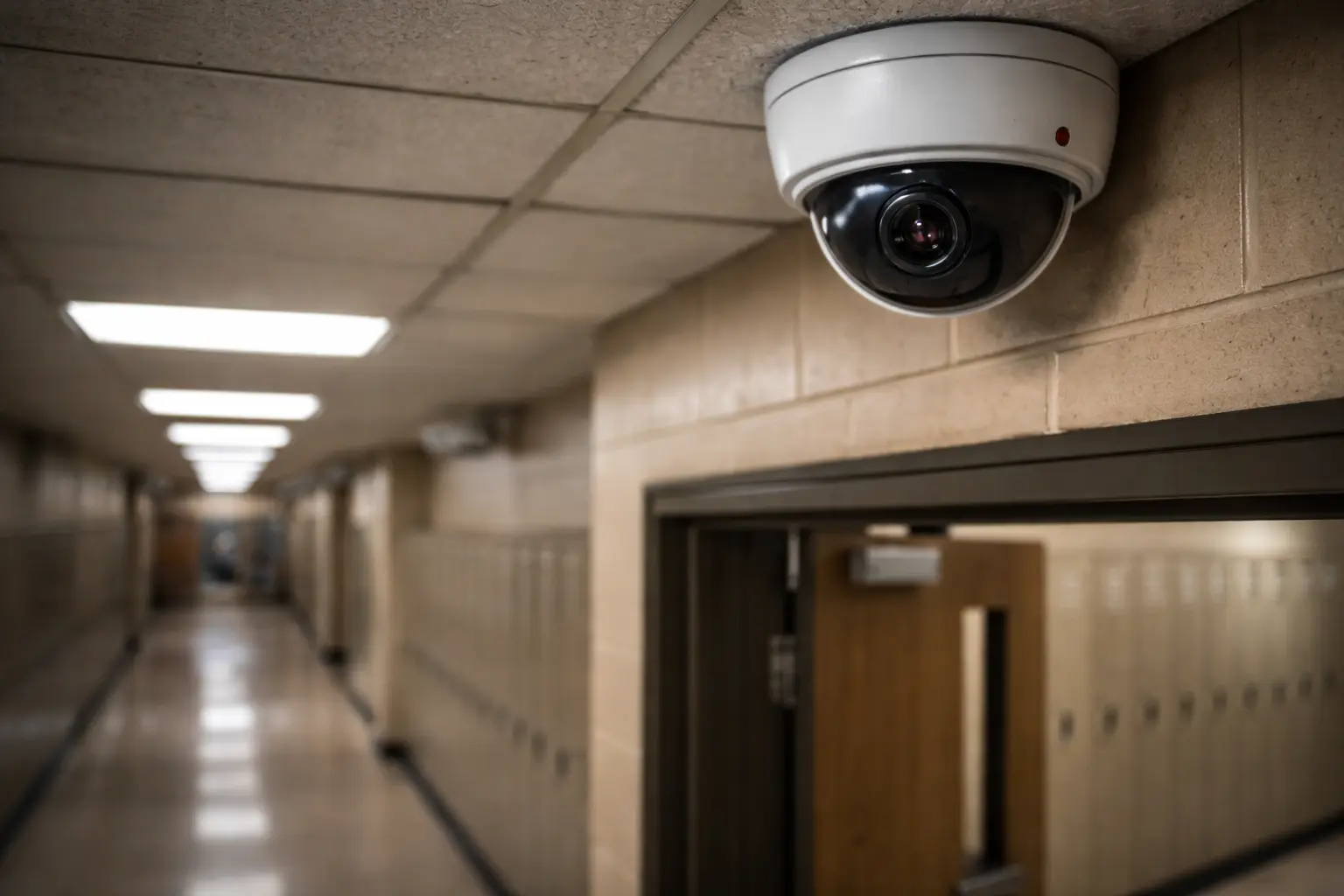
Every school administrator knows the nightmare scenario: an incident happens on campus, and everyone turns to the security cameras for answers. Instead of clarity, there is frustration. People spend hours manually searching through grainy footage on multiple systems. By the time the right clip is found, the moment to act has already passed.
This isn’t a failure of technology. It’s a failure of how most schools think about security cameras. Recording video is easy; finding answers when it matters most is where traditional school security camera systems break down.
Schools invest thousands of dollars in security cameras, yet administrators grapple with using them effectively when incidents arise. The problem isn’t the presence of cameras—it’s how difficult it is to extract useful information when time is critical.
Bullying investigations that drag on.
Staff know roughly when and where an incident occurred, but not which camera or exact moment. Hours are lost scrubbing footage to find seconds of video.
Vandalism that goes unresolved.
Footage exists, but locating the exact moment across dozens of cameras and days of video can take an entire workday.
Unauthorized access with no clear answers.
Someone props a door open, and staff manually review everyone who passed through the area over several days because there’s no fast way to search or correlate video.
Parent disputes that escalate.
When facts aren’t available quickly, conversations happen before video is reviewed—eroding trust and complicating resolution.
The frustrating reality is that schools often have the footage they need—they just can’t find it fast enough.
“We have cameras, but can’t find the footage” has become a familiar phrase in school administrative offices.
Modern K–12 security camera systems should do more than record video. They should deliver answers quickly and reliably during school incident investigations.
With video analytics and AI-powered tools, schools can:
Just as important, modern systems should support NDAA-compliant hardware.
For schools, districts, and public institutions, NDAA compliance isn’t optional—it ensures cameras and infrastructure meet federal security requirements and can be safely used in coordination with law enforcement and government agencies.
These tools don’t replace staff. They surface critical information faster, allowing teams to act sooner and with confidence.
Modern school security cameras don’t just record video—they analyze it. Video analytics and AI-powered tools are changing how schools approach campus safety.
AI-powered search allows administrators to find people, vehicles, or objects across all cameras without guessing where to look. This makes school video analytics especially valuable when patterns matter more than a single moment.
Behavior detection helps surface unusual activity automatically. AI security cameras for schools can flag lingering near restricted entrances, crowd formation in unexpected areas, or doors left open too long.
Entrance monitoring provides real-time visibility into who is entering and exiting school buildings. This adds accountability without requiring additional security staff.
After-hours alerts notify administrators immediately when someone is on campus outside approved hours, reducing response time and preventing damage or unauthorized access.
Live video walls also play a critical role during active situations.
Being able to view multiple cameras at once—across entrances, hallways, and outdoor areas—gives administrators and safety teams real-time situational awareness instead of forcing them to switch between individual feeds.
For districts, multi-campus visibility allows one administrator to monitor activity across several buildings without switching systems or traveling between locations.
These tools don’t replace school staff. They amplify what teams can do by bringing important information to the surface faster.
What works for a single school often breaks down at the district level. Managing security camera systems for school districts introduces challenges that traditional setups can’t handle.
Centralized visibility is essential. District administrators need a single platform to view activity across all campuses without juggling multiple logins or systems.
Role-based access protects privacy and keeps footage secure. Principals, teachers, district staff, and safety officers all need different levels of access, and permissions should be easy to manage without creating risk.
Consistent policies across locations matter. When campuses use different camera brands and retention rules, district-wide security standards become difficult to enforce.
Traditional on-site DVRs create unnecessary bottlenecks. Physical hardware requires maintenance and limits access to footage. Cloud-based systems remove these constraints and simplify management.
Districts that centralize security infrastructure spend less time managing technology and more time keeping students safe.
Lake Ridge Schools, a K–12 school district, faced the same challenges many administrators experience. Cameras were installed throughout their campuses, but finding answers during incidents took too long.
Investigations required hours of manual searching, and parent questions often went unanswered while staff looked for the right footage. The district modernized physical security by adding searchable, cloud-based video to existing cameras, allowing administrators to investigate incidents in minutes instead of hours.
The impact was immediate. Bullying investigations moved faster, vandalism cases were resolved quickly, and parent disputes were handled with facts instead of assumptions.
Not all security cameras for schools are created equal. When evaluating systems, recording quality is only the starting point. Prioritize systems that offer:
The ability to share live or recorded video links securely is especially important during serious incidents. When law enforcement needs immediate access, sending a secure link is far faster—and safer—than exporting files or coordinating physical access to DVR systems.
The best school security camera systems stay out of the way until they’re needed—then deliver exactly what administrators, safety teams, and law enforcement require.
Schools don’t need more video. Most already have more footage than they can effectively use. The real challenge is finding answers fast enough to respond, investigate, and resolve incidents while they still matter.
Traditional school video surveillance records what happened. Modern systems explain it—across multiple cameras, in real time, and in ways that can be shared securely when outside help is needed.
Cameras should reduce workload, not add to it. They should help administrators answer parent questions confidently, support law enforcement when required, and improve campus safety without constant manual effort.
See how LiveReach helps schools investigate incidents faster—without replacing existing cameras.
Schedule a demo of our platform to see how LiveReach can improve security at your organization.
Request Demo