Back to Blogs
An NVR (Network Video Recorder) is a digital surveillance system that records video from IP cameras over a network. This guide explains what an NVR is, how it works, and how modern systems are built.
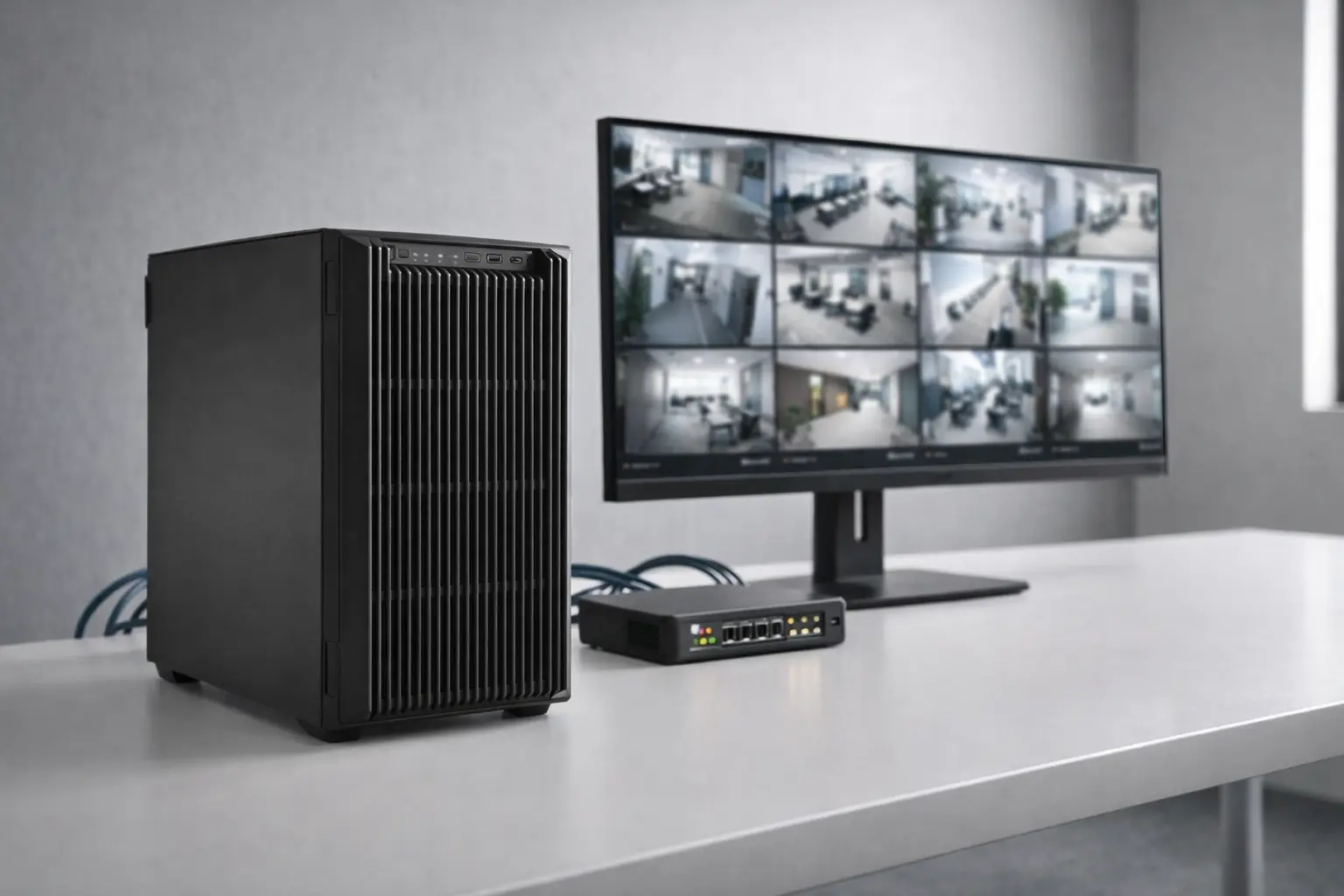
Walk into most commercial buildings today and you'll find a security system built around DVR technology that's a decade old. It works — until it doesn't. Footage is blurry, remote access is clunky, and scaling to a second location means starting from scratch.
NVR isn't just a hardware upgrade. It's an entirely different architecture — one built around networks, IP cameras, and digital intelligence rather than analog signals and coaxial cable.
This guide explains what an NVR system is, how it works, and how it compares to DVR — so you can make an informed decision about your security infrastructure.
If you’re comparing technologies directly, see our full NVR vs DVR difference guide.
An NVR — short for Network Video Recorder — is a video surveillance system that records and manages footage from IP (Internet Protocol) cameras over a digital network.
Unlike older analog systems, every component communicates digitally, which means higher resolution, greater flexibility, and smarter management.
The term “NVR meaning” is straightforward: it’s a recorder built for the network age.
Where a DVR captures raw analog signals from cameras and converts them to digital at the recorder itself, an NVR receives footage that has already been encoded digitally at the camera level. The recorder’s job is storage, indexing, and access — not conversion.
A standard NVR system consists of four main components:
This architecture allows a single Ethernet cable to replace the two cables (coax + power) required by analog systems. Cameras can be placed anywhere on the network — across buildings, floors, or even cities.
Understanding how an NVR works is easiest when you follow footage from capture to playback.
Unlike analog cameras that send raw video signals, IP cameras contain onboard processors that compress and encode footage — typically in H.264 or H.265 format — before it leaves the camera.
This allows for higher resolution (4K, 8MP, and beyond) with more efficient storage.
Each camera is assigned an IP address on the network, making it individually addressable and controllable from a central interface.
Encoded footage is transmitted over Ethernet cabling or Wi-Fi — the same infrastructure used for business networks.
PoE switches allow a single Cat5e or Cat6 cable to deliver both power and data, simplifying installation and reducing cabling costs.
Because the network is the backbone, cameras can be distributed across large or multi-building sites without running dedicated coax back to a central recorder.
The NVR receives video streams from connected cameras and writes them to onboard storage — typically high-capacity hard drives.
Modern NVR systems do more than store footage. They index it by:
Higher-end NVR security systems also support RAID configurations for redundancy, protecting footage if a drive fails.
Because the system operates over a network, authorized users can access live or recorded footage from:
Multi-site organizations can view all locations from a single dashboard without being physically present.
This remote access capability is one of the biggest advantages NVR offers over legacy DVR systems.
The shift from DVR to NVR is not marginal. For growing or multi-location businesses, legacy DVR creates operational friction.
Many organizations start by evaluating whether it’s time to replace their existing DVR system.
Key reasons businesses are upgrading:
Not necessarily.
Analog-to-IP encoders allow existing analog cameras to connect to an NVR system by converting signals to digital at the network edge.
Hybrid NVR systems support both IP and analog inputs in a single unit — ideal for phased migration.
This allows businesses to modernize without a full rip-and-replace.
NVR is a major improvement over DVR, but for multi-site organizations, on-premise infrastructure alone may not solve:
Pairing an NVR with cloud video management enables:
See how modern video analytics platforms build on NVR infrastructure.
For organizations managing multiple sites, the architecture question extends beyond NVR vs DVR.
For most businesses running legacy DVR systems, upgrading to NVR is a clear step forward.
Quick evaluation framework:
The move from analog DVR to IP-based NVR is not just a hardware upgrade. It’s an infrastructure decision that shapes how your security team operates for years.
An NVR (Network Video Recorder) is a system that records and manages video from IP cameras over a digital network. Video is encoded at the camera and transmitted digitally.
NVR uses IP cameras and Ethernet. DVR uses analog cameras and coaxial cable. With NVR, video processing happens at the camera. With DVR, it happens at the recorder.
Yes. Analog-to-IP encoders and hybrid NVR systems allow phased migration while keeping existing analog cameras.
For most businesses, yes. NVR offers higher resolution, better remote access, centralized management, and easier scalability.
No. NVR systems record locally and do not require internet to function. Internet access enables remote viewing and cloud backup.
Schedule a demo of our platform to see how LiveReach can improve security at your organization.
Request Demo